Antistatic
v0.7.5 alpha // v0.8.0 testing
Solo project
Game design, programming, custom engine, 3D art, animation, music, and sound by Loren Crain.
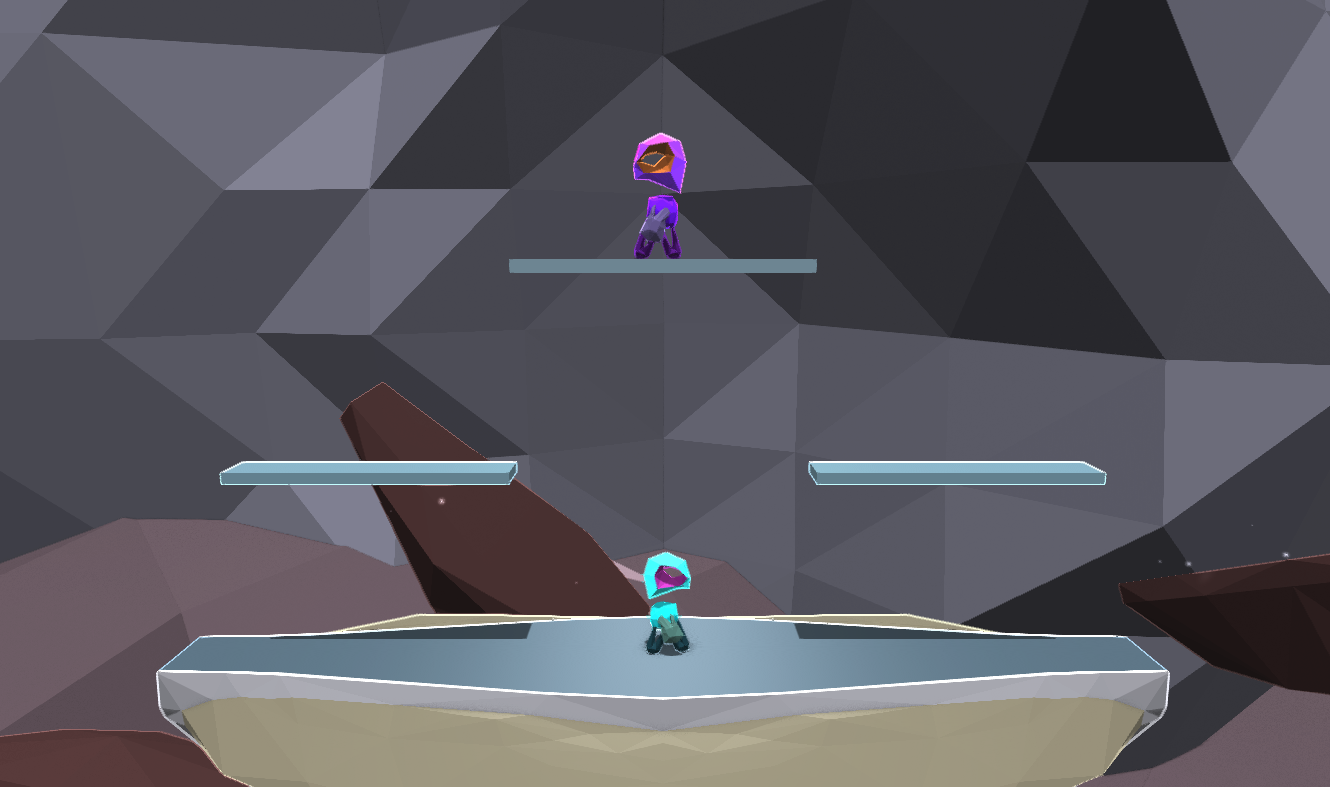
Antistatic is a crisp, uncompromising platform fighter focused on exploring
competitive mechanics. Built, animated, and designed by a solo developer, in a bespoke, custom engine.
Inside a crumbling digital world, atomic combatants carry out their programming in an endless series of battles over the
remaining shielded landmarks.
Characters
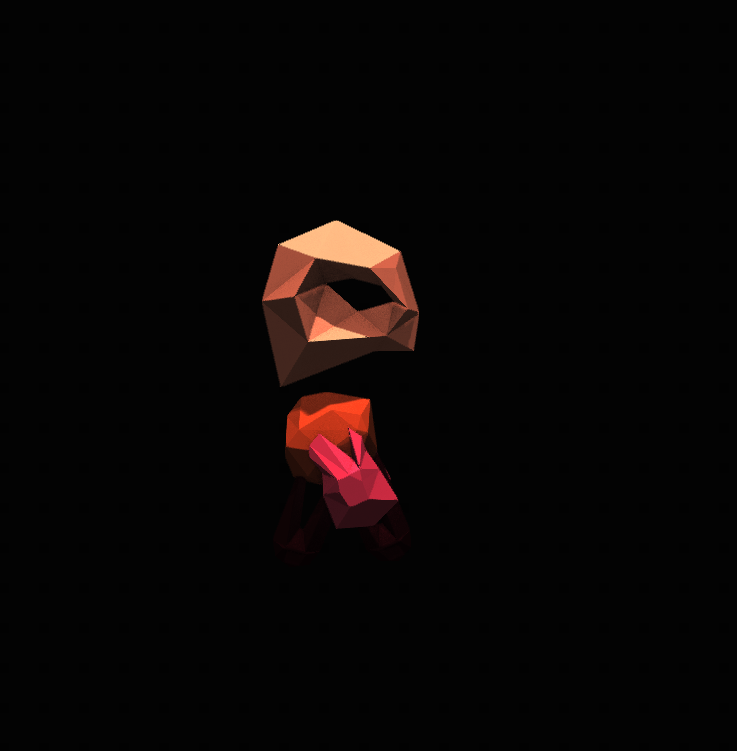
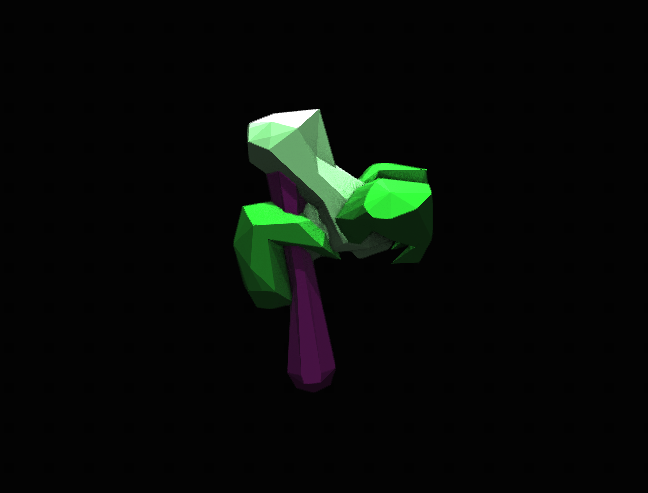
Silicon
Mobile fastfaller with a lot of combo setups, but often lacks KO power. Can apply pressure with lasers.
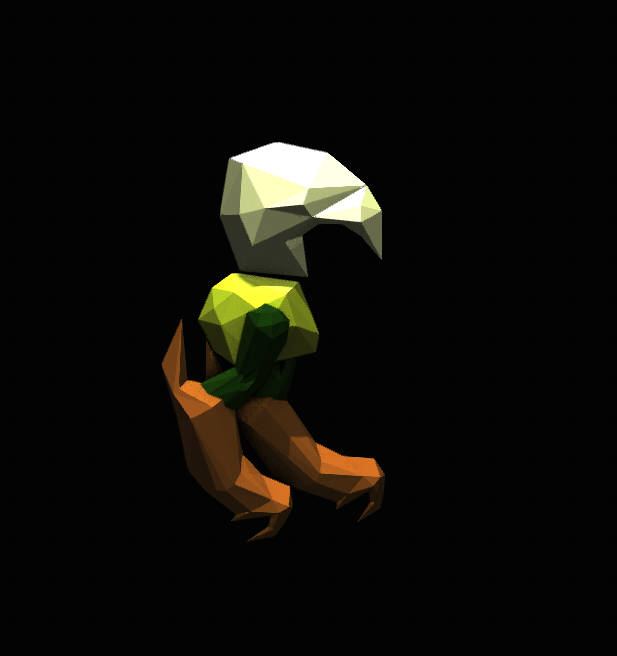
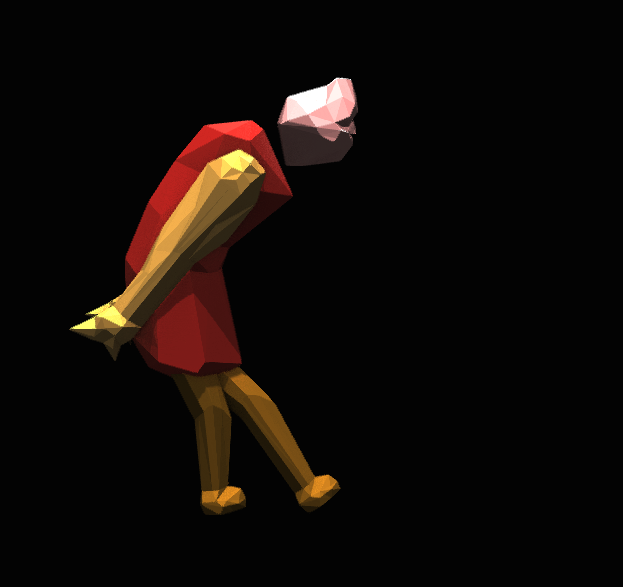
Carbon
High ground movement speed, powerful aerials.
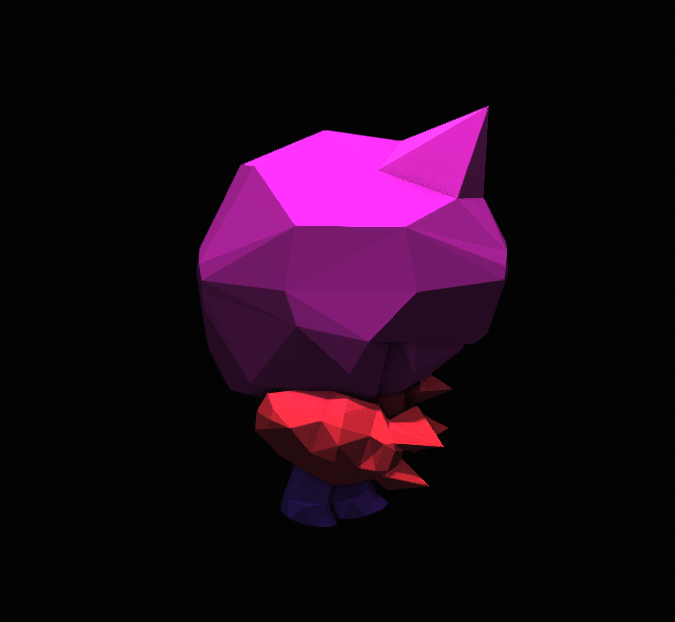
Iron
Combo-focused heavyweight.
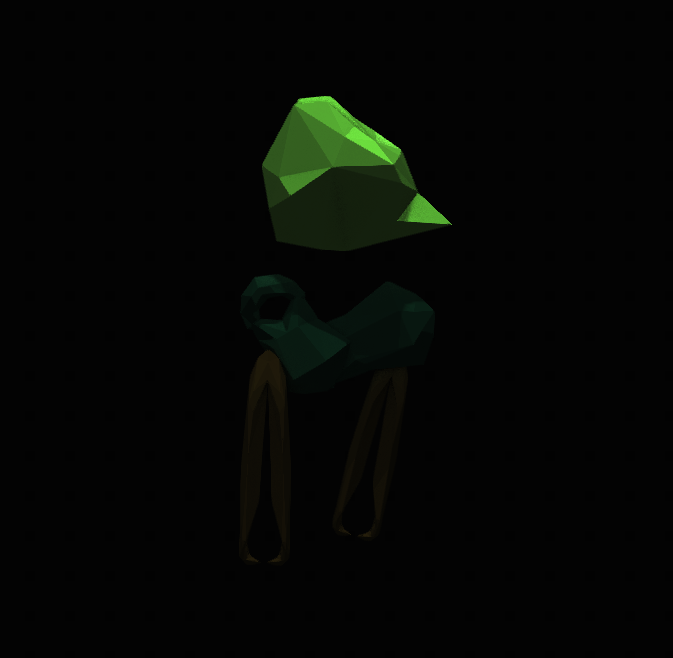
Xenon
Weird, complicated character; double jump cancels, lots of mechanics.
Helium
High air speed, initial dash is faster than run speed; has multiple air jumps
Rhodium
Disjointed moves with limitations. Normal moves must be refreshed with down-special.
Silicon
Advice
- Space with fair, bair, jab, lasers can be used to apply pressure
- KO with bair, nair, forward-tap, up-tilt, tipper up-tap, sweetspot ftilt
- Late KO with ftilt, up air, forward throw, down-tap, up-tap
- Combo with Pulse, down tilt, down throw, up throw, up tilt, jab 1/2, dair, up air, late hit neutral air
- Pulse semi-reliably combos into grabs and moves
Up - Arc
- Always does two jumps
- Jumps based on angle and tilt of control stick
Side - Trace
- Pseudojump
- Can be angled up/side/down
- Applies a status that hits several times after a short delay
- If shield is activated during status, all hits trigger instantly and can be powershielded
Down - Pulse
- Frame 1 hit w/ intangibility
- Jump-canceleble on frame 4
- Can turn around during animation
Neutral - Emit
- Projectile that can be land-canceled, does little damage but causes flinching
Carbon
Advice
- Space with bair, nair, fair, dtilt, Bash
- KO with tipper fair, tipper up air, second hit up air, dair, up-tap, down-tap, super Bash
- KO late with down tilt, bair, forward-tap, Slice
- combo with first hit up air, down tilt, forward throw, up throw, reverse bair, first hit nair
Up - Slice
- Quick upwards burst
- Reversible
- If backward is held at the end of the animation, character will turn around
Side - Slam
- Can grab ledge during very start of fall
- Replenishes double jump
- Can be tilted forward/back
Down - Bash
- After successfully hitting twice, or two targets at once, the next use will be a more powerful version
Neutral - Fan
- Rapidly throw out several hits, fanned vertically
- Decent shield pressure
Iron
Advice
- Space with bair, uair, jab, utilt, Spring
- Cross-up with nair
- Combo with up air, up tilt, dair, forward throw, bair
- KO with fair, nair, ftilt, dtilt, f-tap, u-tap
- Late KO with nair, uair, f-tap, u-tap, up throw, Clobber
- Second-hit up air is semi-spike
Up - Grindstone
- On ground, can slide around during animation
- In air, trajectory depends on direction of control stick (up/forward/back/down/neutral)
Side - Spring
- Pseudojump
- Can be angled up/down
- Hurtbox extends before hitbox
Down - Clobber
- Two fast hits
- Pushes forward, and can turn around mid-animation for the second hit
Neutral - Bear Trap
- Hold to become a trap, release to attack
- Gives small upward boost when attacking, but ends in free fall
- Can grab ledge
Xenon
Advice
- Space with fair, dtilt, nair, Orb
-
Combo with up air, dair, bair, up tilt, normal up-tap, tipper fair (low percents), up throw, first hit nair
- KO with tipper fair, variant f-tap, f-tap, ftilt
- KO late with sourspot fair, variant down-tap, variant up-tap, up air, normal down-tap
- Down tilt is a set-knockback semi-spike
- Flash hitbox is also a set-knockback semi-spike
- Back air hits at a few different angles
- Down throw can lead into a tech chase
Double jump
- Can instant land at the start
-
Loses momentum at the end of the animation, so can gain extra height by using a move at the right time to cancel it
- Can turn around with jump, and grab ledge
- Has strong armor for a few frames at the start of the animation
Specials
Up - Flash
- Can be canceled with shield before the jump
- Can grab ledge during animation
- Reduces gravity slightly
Side - Orb
- Shoots a slow projectile
- Projectile can be angled up or down
- If projectile is out, using move again will teleport to the projectile
- Projectile bounces off of shields and the stage
- Projectile can be destroyed if attacked by a strong enough move
Down - Alternate
- Builds charges (up to 6) for variant tap attacks, adding a charge creates a hitbox
- Can be canceled with shield
-
When there is a charge available for variant tap attacks, all tap attacks get replaced with slightly different moves
(WIP on exact moves)
Neutral - Compress
- When uncharged, gives short burst (4 frames) of strong armor
-
When charged, maintains strong armor for 4 seconds, can be canceled into Orb, shield, jumps, or ended with shield
hard press in air
Helium
Advice
- Space with fair, bair, nair, forward-tap
- Combo with dair, up air, late nair, d-tilt, f-tilt, dash attack
- KO with bair, nair 2, d-tap, gimps, f-tap
- Late KO with utilt, second hit uair, f-tap
- Nair has an optional second hit if A is pressed at the end of the animation
- Up throw leaves open to counter attacks, but does massive damage
- Back hit of up air always pulls forward, can be used to drag off stage
- Charging f-tap will slide forward further
- Utilt has a spike at the end of its animation
- Jab is a spike
- First hit of dash attack is a spike
Up - Inflate
- Consumes double jumps, can be triggered multiple times
- Reversible
- Slightly better recovery per jump than normal air jumps
Side - Spark
- Pseudojump
- Multi-hit; first hit triggers behind and can be used as a single hit
- Holding special will prolong the attack
Down - Swoop
- Bounces back on hit with significantly less lag
Neutral - Seek
- Hits where the control stick is pointing when the hitbox comes out
Rhodium
Refresh and Burn
Every normal move (taps, tilts, aerials, grabs, throws) has some hitbubbles that only activate while it's refreshed.
Using a move burns it. All moves are restored whenever Refresh (down-special) is used. Many attacks gain a sweetspot or
additional range, like forward-tap or grabs. Some take on new trajectories, like throws.
Each time a move is burned (once per animation between refreshes), the burn counter increases by 1, which is used by Burn
(neutral-special). Using Refresh fully resets this counter. A consequence of animations is that moves spanning multiple
animations, like forward tilt (e.g. ftilt -> ftilt-up) or tap attacks (f-tap -> charge -> release), count multiple times
and can be exploited to quickly reach a given number.
Up - Loop Slash
- Quickly curve backward and up
Side - Memory
- Perform a hit in place, then quickly attack horizontally
-
If attack lands, or an attack hit shortly before activation, then Rhodium remembers and moves toward that target
- If the horizontal leap connects, then Rhodium may act after the move; otherwise, become helpless
-
Tip: Immediately using side-B after connecting with fast move, like nair, to home in for a follow up
Down - Refresh
- Rhodium's primary mechanic: using down-B refreshes every normal move
- Can be jumped out of start on frame 4, and is intangible on frame 1
- If no moves have been burned, has a frame 1 hit with weak knockback and horizontal trajectory
-
Tip: Can double-Refresh to get out a hit even if moves have been burned; Refresh -> Jump -> Refresh before leaving
ground (3-frame window; frame 4-6)
-
See Refresh and Burn section
Neutral - Burn
- Divisible by 5: Kick
- Divisible by 9: Spin
- Divisible by 13: Back Stab
Mechanics
-
Online play — join one other player in online matches; online is still early in development, with much
more in the works
-
Familiar mechanics — shields, directional influence, lag-canceling, grabs, wavedashing, and more
-
Full GameCube controller support — play with the iconic platform fighter controller using the official
adapter
-
6 characters — all with different play styles, and more planned
-
10 stage layouts — some staples, and some new
Comparisons to a familiar game
Uncompromising, in Antistatic's case, describes a commitment to building on familiar mechanics. If it's in Melee, it's
probably here. For peace of mind, though, here's most of what to expect:
- Lag-canceling: 66% landing lag
- Wave dashing; air dodges send into free fall
- Moonwalking, charlie walking
- Ledge mechanics, including 100%+ animations
- DI/SDI/ASDI
- Grabs, throws
- Teching
- Shields, light shields, shield dropping
- Wall jumps
- Powershield, parry (see the guide below)
- V-canceling
- Crouch canceling (nerfed), ASDI down
- Aerials, charge moves, tilts, etc
Some new mechanics include:
- Energy system: shields, specials, and holds consume energy; no more mashing
-
Stale DI: certain moves that hit upward (up throws, etc) can be DIed further sideways as they become more stale
-
Shield stun tweaked: lasts longer, but heavy shield stun transitions into light shield stun, which allows rolls and dodges
Guide
Energy
The biggest new feature is the Energy meter. Shields, specials, lag-canceling, and holding opponents all
consume Energy.
Each character has the same energy pool and regeneration speed. The last chunk of used energy, the ligher chunk on the
meter, regenerates more quickly; it can help to space out big specials and avoid lag-canceling or using shield immediately
after for the fastest regeneration potential.
Familiar
-
Lag-canceling: 50% landing lag, rounded up, plus one frame; costs energy to perform based on move's landing lag
- Wave dashing; air dodges send into free fall
- Moonwalking, charlie walking
- Ledge mechanics, including right-stick options and 100%+ animations
- DI/SDI/ASDI
- Grabs, throws
- Teching (wall, ground, ceiling)
-
Shields, light shields, shield dropping, 20XXTE-style Axe method support, command shield drop if control stick is down and
Special (B) is pressed
- Wall jumping
- Powershield, parry (see differences)
- All throws can be buffered with right-stick (not just down throw)
- Shield options can be buffered with right-stick
- V-canceling
- Throws use a set weight
- Crouch canceling (nerfed)
Differences
- Reverse aerial rush possible during initial dash, but not during run
- Initial dash can be canceled on first two frames
- Most specials require energy to use, based on the amount of impact they have
-
Holding consumes energy, grabs cannot be mashed out of; pummeling accelerates energy use
-
Certain moves that hit upward (up throws, etc) can be DIed further sideways as they become more stale
-
Ledge invincibility begins later the more times the ledge is regrabbed; always ends on the same frame
- If grabs collide, they will cancel out
-
If a grab trades with an attack, grab is released if hit is above a knockback threshold
- Powershield window is shorter
-
Powershield still takes heavy shield stun but removes light stun, and consumes no energy
-
Parry window after releasing shield: only provides enhanced super armor; take damage, but suffer no hit stun
- Powershield and parry both negate projectiles
-
If hit during first few frames of a double jump, jump will be refreshed
-
Dodge panic: pressing grab (Z) during air dodge will cancel movement into a stall that can grab ledge after a delay
Shields and Energy
- Powered by energy meter
- More HP
- Regenerate slower
- When shield breaks, character crumples and falls to the ground
- Shield stun has two phases: heavy (full) stun, and light stun
- During light shield stun, character can spot dodge and roll
-
Lag-canceling can be performed regardless of how much energy is available and will consume energy down to 0
- Specials cannot be used with insufficient available energy
-
Holding consumes energy, and will release when energy reaches 0
Controllers
Currently officially supports GameCube (via Wii U/Switch adapter in native mode), 360/XB1 (and compatible), PS4, and keyboard.
To get GameCube controllers to work on Windows, Zadig can be used to install a generic driver; see
Dolphin's guide
(opens in a new tab)
for detailed instructions. Mac/Linux seem to work without hassle. If it works in Dolphin, it should work in Antistatic.
Control rebinding
Button and key rebinding is available in the in-game controls menu. Controls are saved per tag.
Tags also serve as your netplay nickname when entering a match.
Technical Summary
Antistatic has been in development since 2012 as an experimental homage to Super Smash Bros. Melee. It is built in a custom
engine, written in TypeScript and C, with a 3D OpenGL graphics engine.
Antistatic runs on top of Node.js, with the bulk written in TypeScript. Native portions are written in C, and run as a Node.js
addon.
Tech Stack
- Main language: TypeScript
- Native code: C
- Server language: Go
- Server OS: Ubuntu
- Graphics: OpenGL
- Shaders: GLES
- Fully from-scratch graphics
- Custom physics engine
- Uncapped player count
- Latency-optimized rendering and input processing
- Font atlassing in C
- Delay-based P2P UDP netcode
- Custom build system: Bash, PowerShell
All Third-Party Dependencies
Even More Technical Details
Antistatic's matchmaking server is built in Go
and is open-source (opens in a new tab). I run it as a service
on a headless Ubuntu server that I maintain, hosted by a popular VPS.
Graphics engine
The graphics engine is also split, with lower-level code written in C and OpenGL and much of the model manipulation, vertex
rendering, and animation written in TypeScript. FreeType is used to render a dynamically-growing font atlas. Other libraries
used include: GLEW for OpenGL bindings, SDL3 for window management, and SDL3_image for image loading.
Audio engine
The audio engine uses OpenAL-soft to interface with hardware. Files are OGGs, and libvorbistools is used to decode them.
Netcode
Netcode is peer-to-peer and delay-based, and some infrastructure work has been done to move toward adding rollback in the
future. It runs on UDP, with higher-level messages encoded in JSON along with a binary stream of controller snapshots. The
engine attempts to synchronize beginning times and input delay, poke through permissive firewalls, and gracefully handle
dropped packets.
USB GCN Controller Adapter Support
To connect to the official Wii U/Switch GameCube controller adapter, I used LibUSB to directly communicate with the adapter
over USB.
Internationalization
Internationalization is handled using Fluent, with the language files
available on GitHub (opens in a new tab). Currently, only
English and Spanish have had human review.
Build system
Antistatic's build system is mostly automated starting from a build-free git repo, pulling in and installing dependencies as
well as building a few binaries. The process is a mix of PowerShell and Bash scripts.
History
Originally, Antistatic ran in a web browser. The limitations started adding up, and I made the decision to move to Electron
and add a native add-on. When I couldn't squeeze the consistent performance and hardware support I felt I needed, I
re-implemented more pieces in C and moved onto Node.js directly.